

1. Sign Up & Login
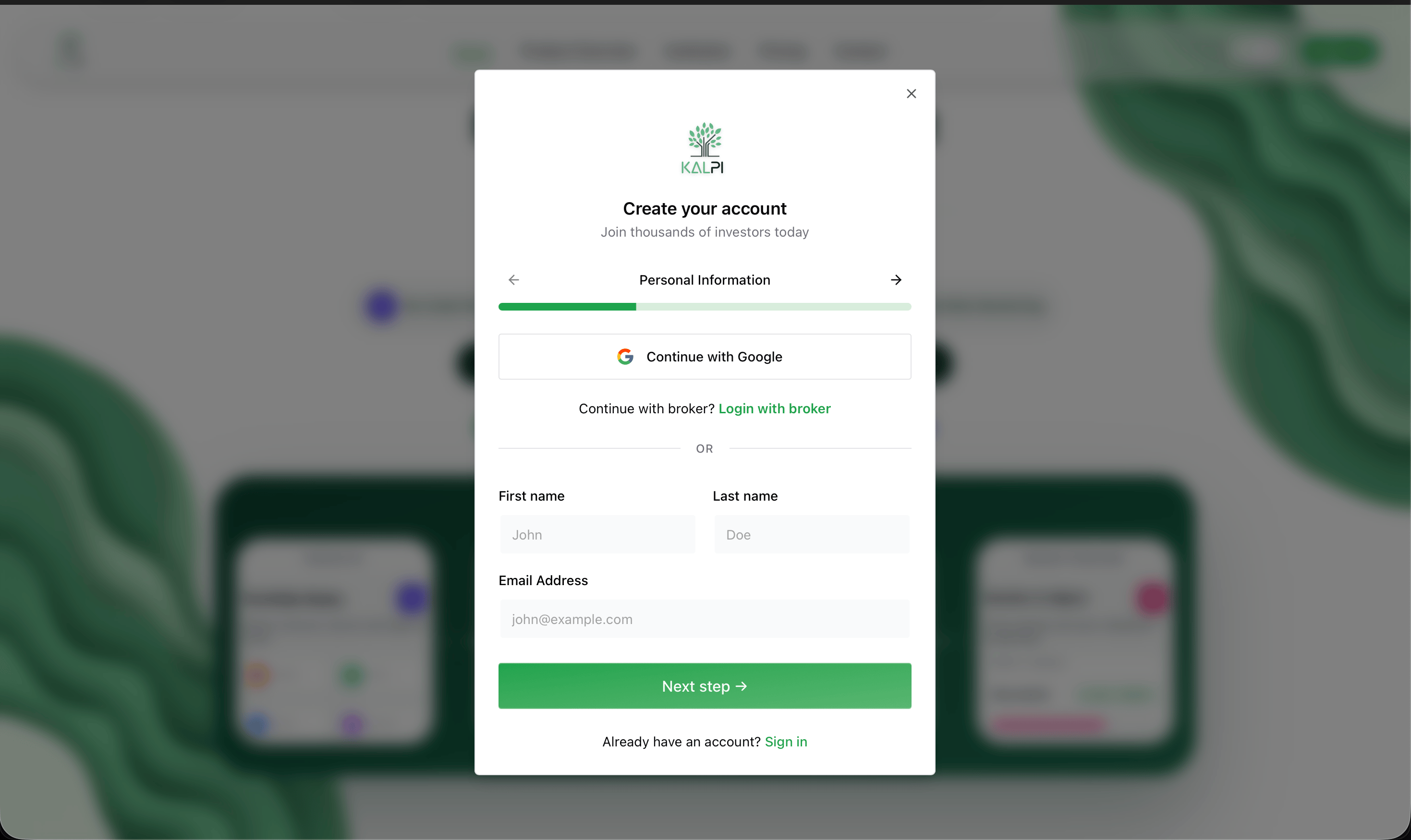
Creating your account is seamless. You can register and log in to Kalpi through the Login Page using any of the three secure methods:- Google Account: Instant, one-click access.
- Email & Password: Standard secure login.
- Broker Login: Connect directly using your existing brokerage credentials.
2. Platform Setup
To get the most out of Kalpi’s automated features, we highly recommend completing these two essential setup steps before building your first strategy:Enable WhatsApp Alerts
Kalpi provides real-time alerts for market shifts, drift checks, and auto-rebalancing signals. Since you provided your mobile number during registration, activating alerts takes one click.
- Navigate to your Profile Section via the menu.
- Scroll to Notifications and toggle WhatsApp Alerts to ‘On’ so you never miss a critical portfolio update.
Connect Your Broker
To transition from backtesting to live deployment, link your existing brokerage account. Kalpi uses secure, bank-grade API connections with read-only and execution access (we cannot withdraw your funds).
- Go to the Broker Profile tab in your settings.
- Click Connect Broker and select your provider (e.g., Zerodha, Upstox).
- Follow the secure authorization prompts.
Total Control: You can disconnect your broker or modify your alert settings at any time directly from your dashboard settings.
Next Steps
Build Your First Basket
Now that your account is set up, click here to learn how to use the Portfolio Builder to select your universe, apply filters, and assign weightages.