

Managing Your Baskets
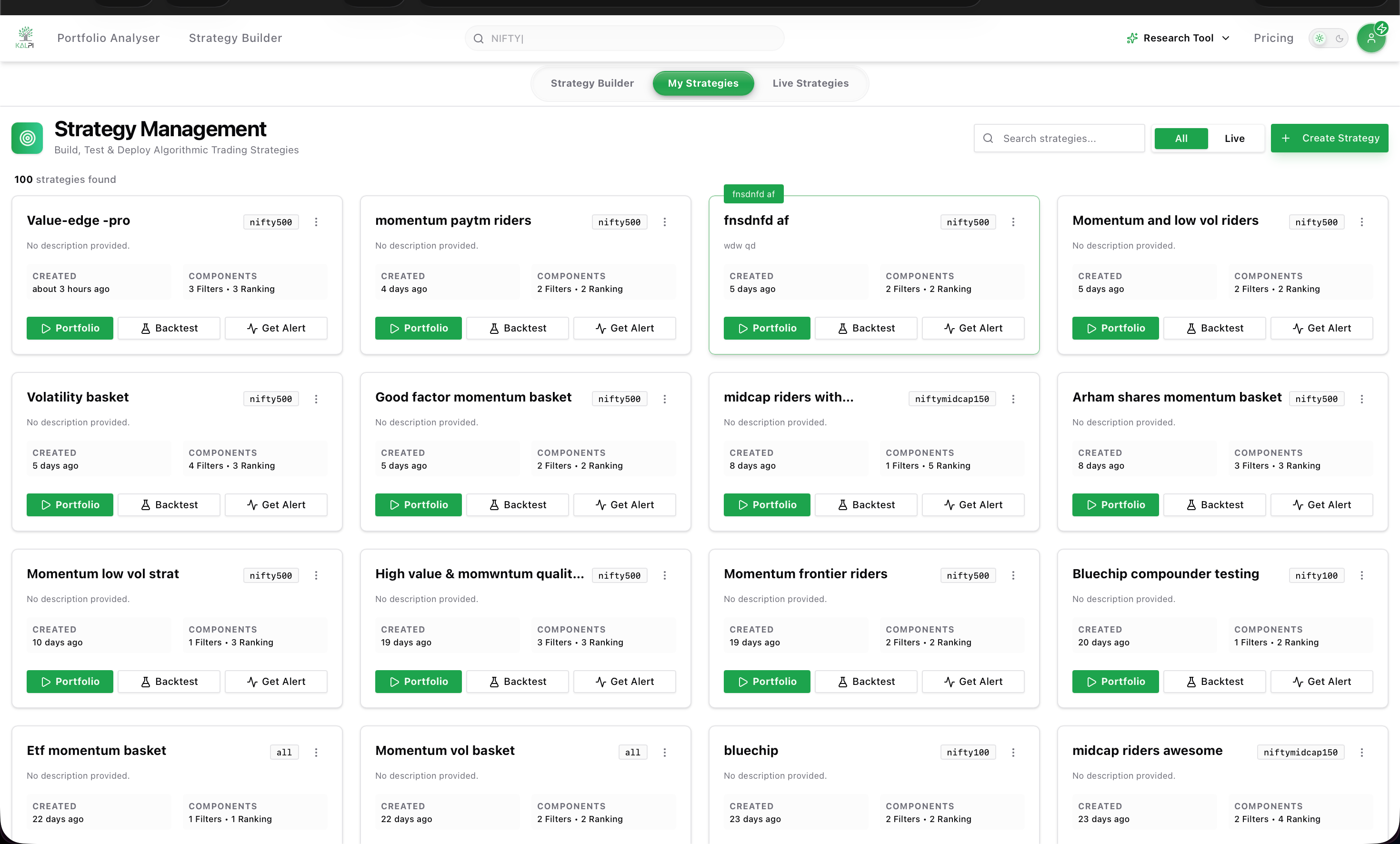
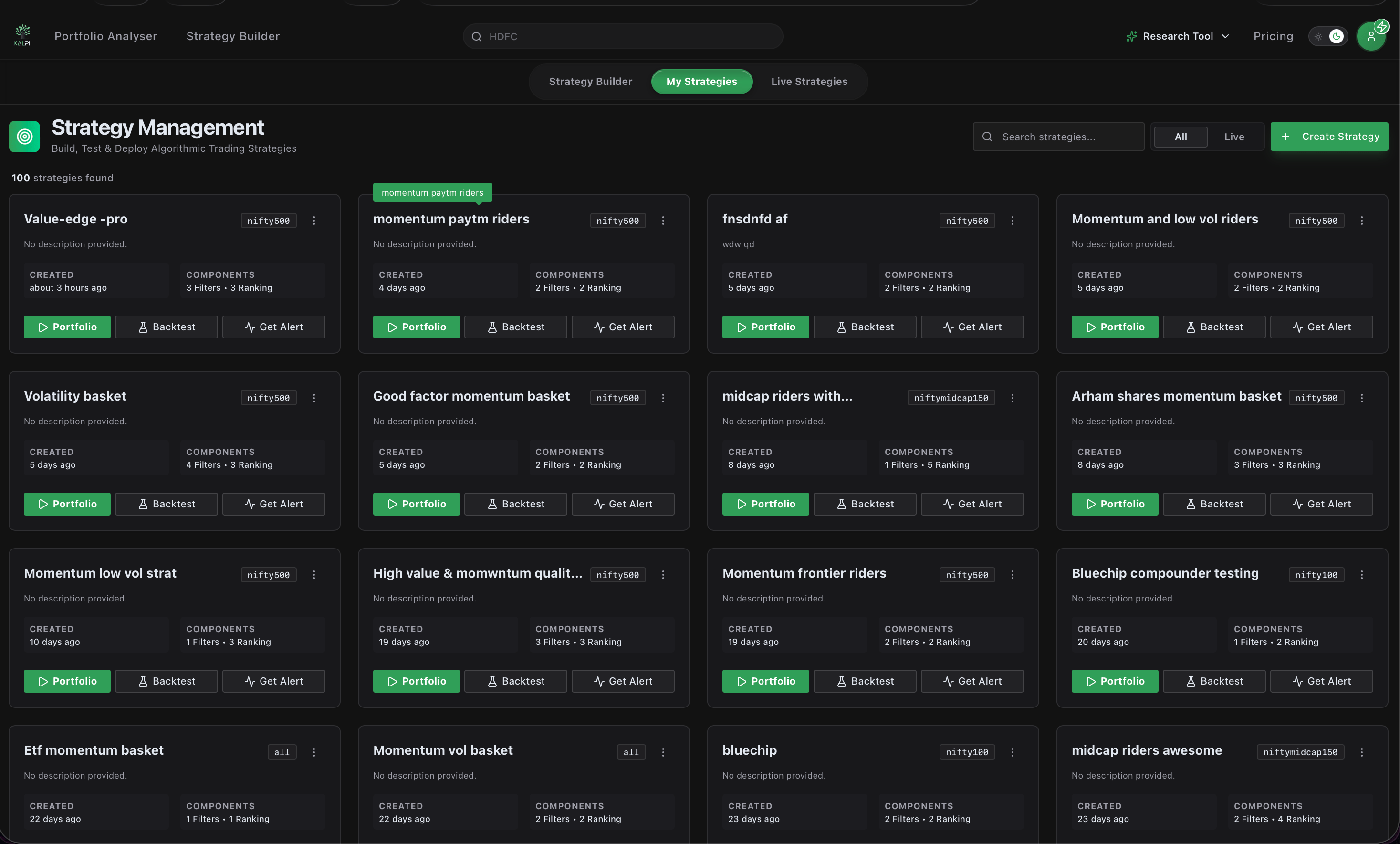
From this dashboard, you can view every saved strategy at a glance.Filtering Active Strategies
At the top right of the dashboard, you can use the All / Live toggle to quickly filter your view. Selecting Live instantly isolates only the strategies you have actively deployed to the market (indicated by the redLIVE badge on the strategy card).
Core Functions
For each individual basket, you can access three core functions:1. Portfolio & Deployment
1. Portfolio & Deployment
Clicking Portfolio generates the live execution data for your strategy. Here you can:
- Enter your desired Investment Amount to automatically calculate the exact quantity of each stock to buy.
- Compare the strategy’s Ideal Weight against the Actual Weight (which adjusts based on live market prices).
- Click Edit Strategy to tweak your rules in the builder, or click Invest Now to execute the basket via your connected broker.
2. Get Alerts
2. Get Alerts
Keep track of your strategy’s evolution without needing to log in daily. Click Get Alert to configure Email Notifications on a Daily, Weekly, or Monthly schedule. Kalpi will notify your inbox whenever the strategy rules dictate that stocks should be added or deleted.
3. Backtest (Institutional)
3. Backtest (Institutional)
While viewing the strategy logic is available to everyone, historical backtesting simulation is currently an exclusive feature for our Institutional platform (coming soon to retail). Institutional users can run these simulations to view historical risk metrics like Net Profit and Maximum Drawdown.
Live Execution: Because fractional shares are not available in Indian markets, Kalpi automatically calculates the closest possible stock quantities based on your total Investment Amount. Always review the “Actual Weight” column before clicking Invest Now.
Monitor Live Strategies
Once you click ‘Invest Now’, your basket moves to the Live Strategies tab. Click here to learn how to monitor drift and execute rebalancing.